Guides
How-to
Guides
-
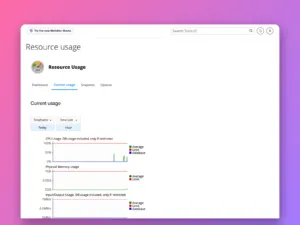
How to check resource usage and errors in cPanel
Find out why a cPanel site is slow or showing 503 and 508 errors: read Resource Usage graphs, spot which limit was hit, and…
-
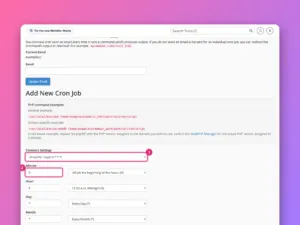
How to set up a cron job in cPanel
Schedule a script to run automatically in cPanel, write the command correctly, stop the email flood, and replace WordPress’s unreliable wp-cron with a real…
-
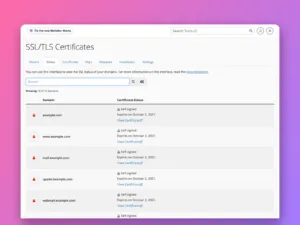
How to install a free SSL certificate in cPanel
Get free certificates for every domain in cPanel with AutoSSL, read the SSL/TLS Status page, fix the reasons a domain is skipped, and force…
-
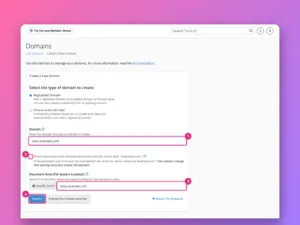
How to add a domain or subdomain in cPanel
Add another website, a subdomain or an alias to a cPanel account, choose its folder, force HTTPS, and set up redirects, with screenshots of…
-
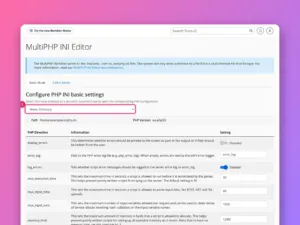
How to change the PHP version and settings in cPanel
Change PHP version per domain with MultiPHP Manager, raise limits such as memory_limit and upload_max_filesize with the INI Editor, and understand CloudLinux’s PHP Selector.
-
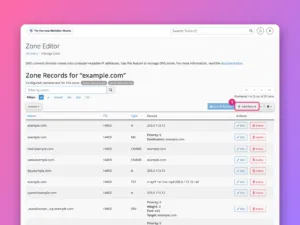
How to edit DNS records in cPanel’s Zone Editor
Add, edit and delete A, CNAME, MX and TXT records in cPanel’s Zone Editor, and first check that cPanel really controls your domain’s DNS.
-
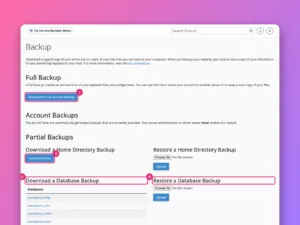
How to back up and restore a website in cPanel
Make a full cPanel backup, download partial backups of files and databases, restore them, and understand what your host’s own backups do and do…
-
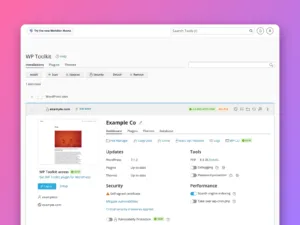
How to install WordPress in cPanel
Install WordPress from cPanel with WP Toolkit (or Softaculous), choose the right options, and use the management screen afterwards for updates, backups and security.
-
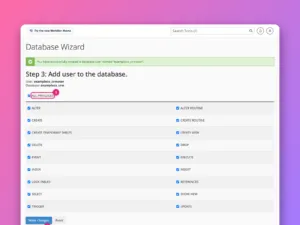
How to create a MySQL database in cPanel
Create a database, a database user and the link between them with cPanel’s Database Wizard, then find the exact values your website’s configuration needs.
-
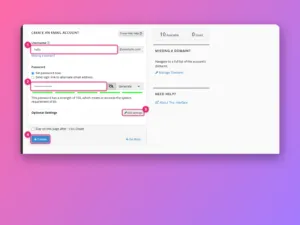
How to create an email account in cPanel
Create a mailbox in cPanel, connect it to your phone and mail app, add forwarders, and check that your domain’s email is trusted, step…