Guides
How-to
Guides
-
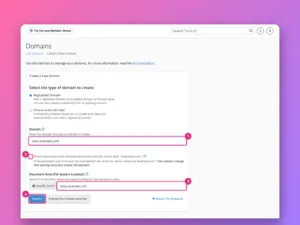
How to add a domain or subdomain in cPanel
Add another website, a subdomain or an alias to a cPanel account, choose its folder, force HTTPS, and set up redirects, with screenshots of…
-
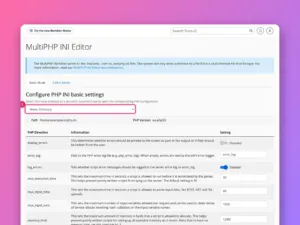
How to change the PHP version and settings in cPanel
Change PHP version per domain with MultiPHP Manager, raise limits such as memory_limit and upload_max_filesize with the INI Editor, and understand CloudLinux’s PHP Selector.
-
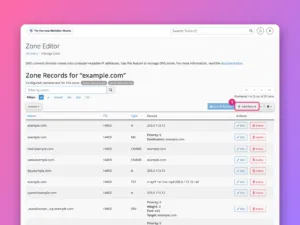
How to edit DNS records in cPanel’s Zone Editor
Add, edit and delete A, CNAME, MX and TXT records in cPanel’s Zone Editor, and first check that cPanel really controls your domain’s DNS.
-
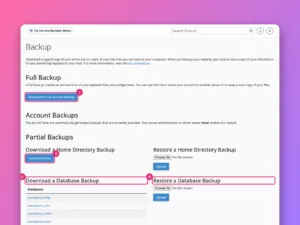
How to back up and restore a website in cPanel
Make a full cPanel backup, download partial backups of files and databases, restore them, and understand what your host’s own backups do and do…
-
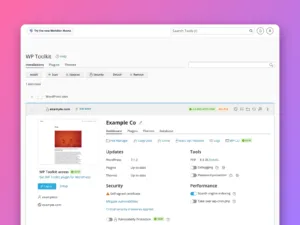
How to install WordPress in cPanel
Install WordPress from cPanel with WP Toolkit (or Softaculous), choose the right options, and use the management screen afterwards for updates, backups and security.
-
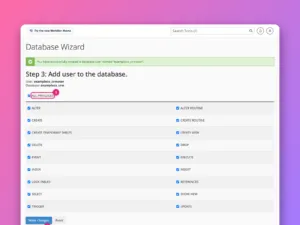
How to create a MySQL database in cPanel
Create a database, a database user and the link between them with cPanel’s Database Wizard, then find the exact values your website’s configuration needs.
-
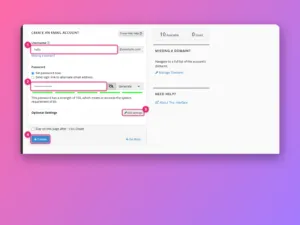
How to create an email account in cPanel
Create a mailbox in cPanel, connect it to your phone and mail app, add forwarders, and check that your domain’s email is trusted, step…
-
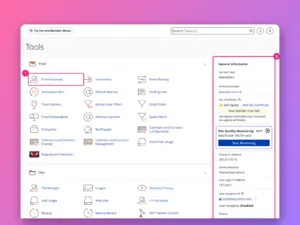
How to use cPanel: a tour of every section
A screenshot tour of cPanel’s home screen: where each tool lives, what the General Information panel tells you, and the ten tools most site…
-

How to back up a Linux server
Dump the databases, copy the files to another machine every night with rsync and cron, and prove the backup works by restoring it.
-

How to turn on automatic security updates
Have the server install security patches by itself every day, on Ubuntu with unattended-upgrades and on RHEL-based systems with dnf-automatic.