Guides
How-to
Guides
-
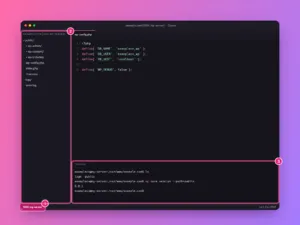
How to connect Cursor to a server over SSH
Edit files on your Linux server or VPS directly in Cursor with Remote-SSH: add the host, connect, open the site folder and use the…
-

How to use rsync to copy and sync files between servers
Copy and sync folders locally or between servers with rsync: the options you need, the trailing slash rule, dry runs, deletes, backups and migrations.
-
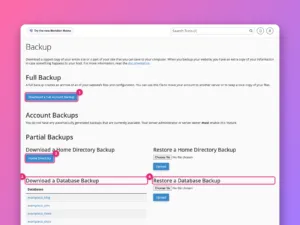
How to restore a full cPanel backup
A full cPanel backup can only be restored as a whole from WHM. Here is how to do that, and how to restore its…
-
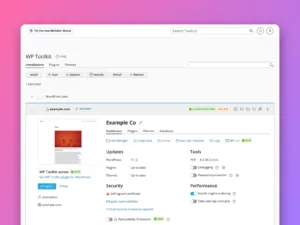
How to move a WordPress site between cPanel accounts
Move WordPress between cPanel hosts by hand: copy the files, export and import the database, edit wp-config.php, and test before switching DNS.
-
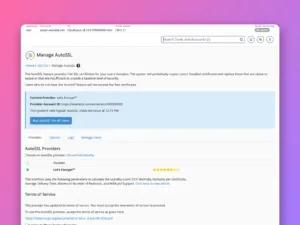
How to set up AutoSSL in WHM
Turn on free automatic SSL for every cPanel account with WHM’s AutoSSL, choose Let’s Encrypt or Sectigo, read the logs and fix skipped domains.
-
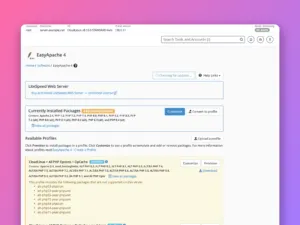
How to manage PHP in WHM: MultiPHP and EasyApache 4
Install PHP versions and extensions with EasyApache 4, set the default version and handler in MultiPHP Manager, and set server-wide PHP limits.
-
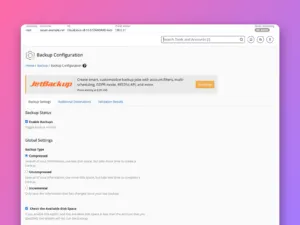
How to configure backups in WHM
Set up automatic backups for every cPanel account in WHM: backup type, schedule, retention, what to include, an off-server destination and a test restore.
-
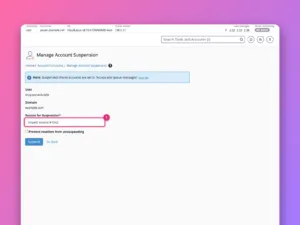
How to modify, suspend and terminate cPanel accounts in WHM
Change an account’s domain, username or limits, suspend it with a reason, reset its password and remove it for good, safely and in the…
-
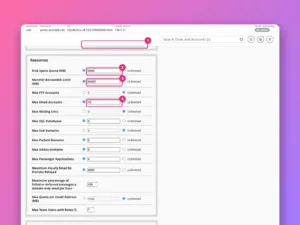
How to create a hosting package in WHM
Define hosting plans in WHM with sensible disk, bandwidth, email and database limits, pick features and the cPanel theme, and move accounts between them.
-
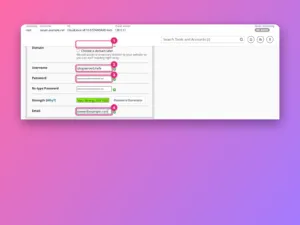
How to create a cPanel account in WHM
Create a hosting account in WHM step by step: domain, username, password, package and settings, what happens when you click Create, and how to…