Guides
cPanel
Guides
-

FTP server: what it is and how to set one up safely
What an FTP server does, how FTP, FTPS and SFTP differ, and how to set up secure file uploads with OpenSSH or vsftpd on…
-

Linux vs Windows servers: which should you use?
Linux and Windows servers compared for hosting: cost, software, how you manage each one, security and updates, and how to pick the right one…
-
How to restore a full cPanel backup
A full cPanel backup can only be restored as a whole from WHM. Here is how to do that, and how to restore its…
-
What is WHM and how is it different from cPanel?
WHM is the server administrator’s control panel and cPanel is the customer’s. What each does, who needs which, and how they work together.
-
Addon domain vs subdomain vs alias in cPanel
Addon domain, subdomain or alias in cPanel? How each differs in folders, email and SSL, and which one to choose when you add a…
-
How to move a WordPress site between cPanel accounts
Move WordPress between cPanel hosts by hand: copy the files, export and import the database, edit wp-config.php, and test before switching DNS.
-
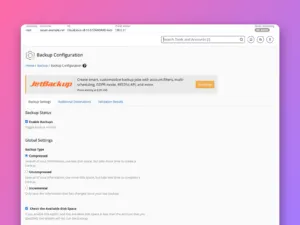
How to configure backups in WHM
Set up automatic backups for every cPanel account in WHM: backup type, schedule, retention, what to include, an off-server destination and a test restore.
-
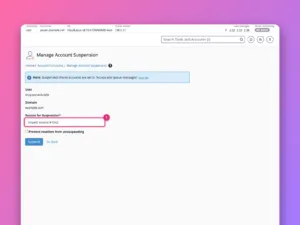
How to modify, suspend and terminate cPanel accounts in WHM
Change an account’s domain, username or limits, suspend it with a reason, reset its password and remove it for good, safely and in the…
-
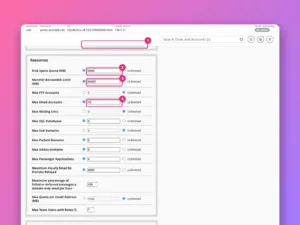
How to create a hosting package in WHM
Define hosting plans in WHM with sensible disk, bandwidth, email and database limits, pick features and the cPanel theme, and move accounts between them.
-
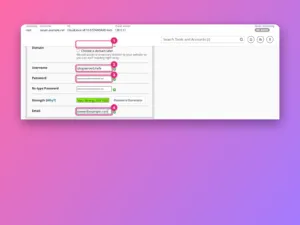
How to create a cPanel account in WHM
Create a hosting account in WHM step by step: domain, username, password, package and settings, what happens when you click Create, and how to…