WHMWHM WebHost Manager: the administrator side of cPanel, used by whoever runs the server to create and manage hosting accounts. More about WHM → and cPanel are two halves of the same product. cPanelcPanel The most popular hosting control panel: a website where you manage your email, files, databases and domains with point-and-click tools instead of commands. More about cPanel → is where a website owner manages one hosting account. WHM (Web Host Manager) is where the server’s administrator manages every account on the machine. If you can see only cPanel, you are a customer. If you can see WHM, you are running the server.
WHM controls the whole server: creating accounts, setting packages and limits, PHP versions, backups and SSL for everyone. cPanel controls a single account: that site’s email, files, databases and domains. A hosting customer uses cPanel; a host, reseller or server owner uses WHM.
The difference in one table
| cPanel | WHM | |
|---|---|---|
| Who uses it | Website owners | Server administrators and resellers |
| Scope | One hosting account | The whole server |
| Typical address | example.com:2083 | server-ip:2087 |
| Logs in as | The account’s own user | root or a reseller |
| Can create accounts | No | Yes |
| Can change server-wide settings | No | Yes |
You can see the portPort A numbered door on a server. Each service listens behind its own door: web pages on 443, email on others, remote login on 22. More about Port → numbers in the common ports list. Both panels use the secure versions, 2083 for cPanel and 2087 for WHM.
What cPanel is for
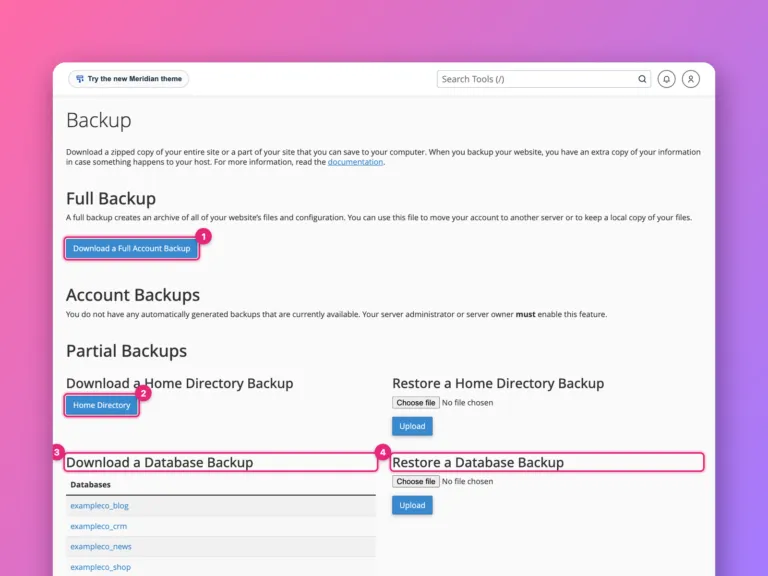
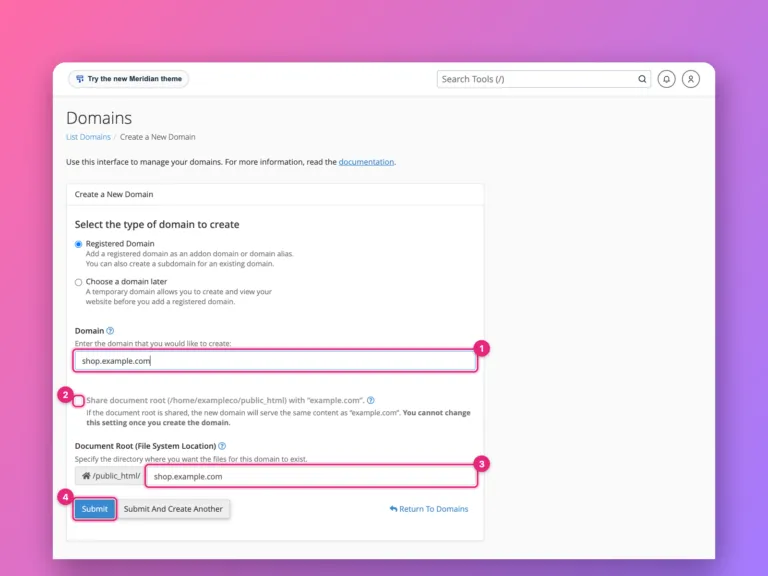
cPanel is the everyday panel. Inside it you manage email accounts, databases, domains, DNS records, backups, SSL and PHP versions for that one account. A tour of every section shows where each tool lives.
What WHM is for
WHM sits above all the cPanel accounts. It is where an administrator:
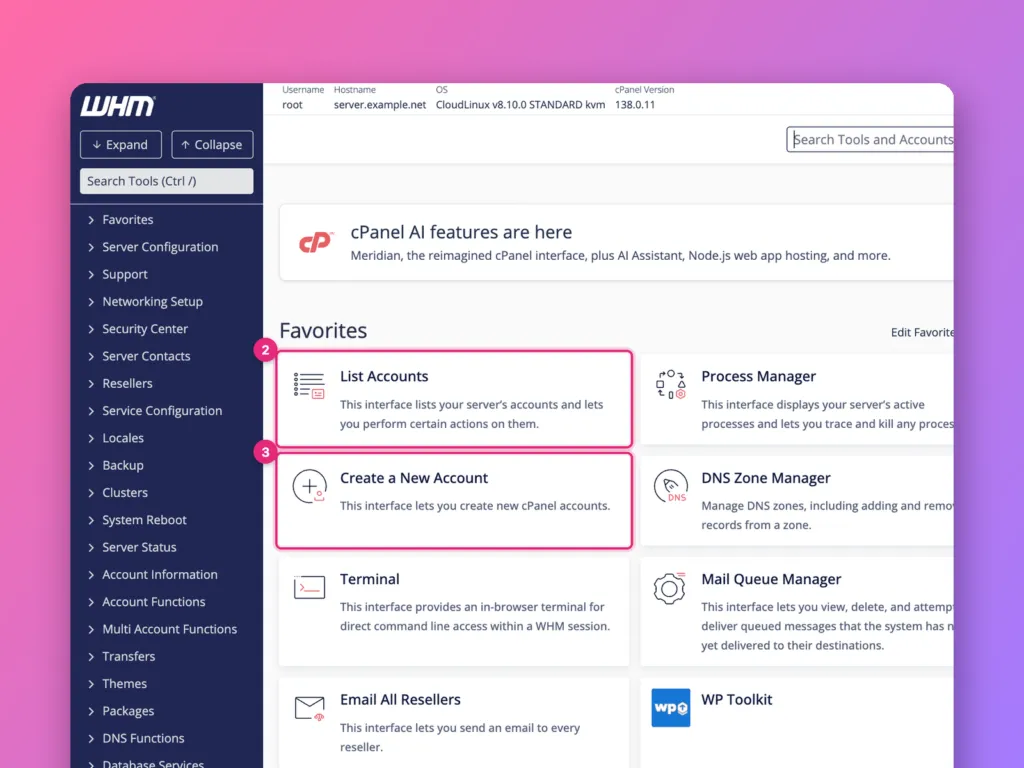
- creates a cPanel account when a new customer signs up.
- builds hosting packages that set disk space, bandwidthBandwidth How much data your website is allowed to send to visitors each month. Every page view uses a little; images and video use the most. More about Bandwidth →, email and database limits.
- suspends, terminates or modifies accounts.
- configures server backups.
- installs PHP versions and sets limits for every site.
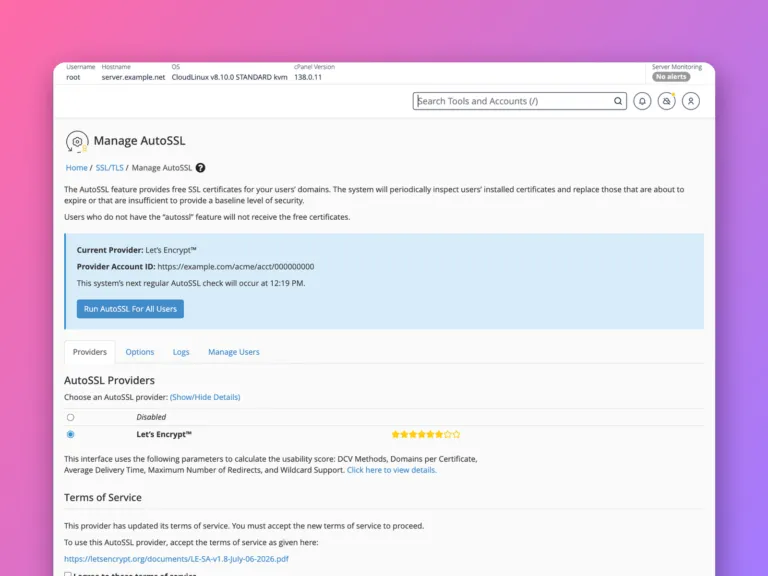
- turns on automatic SSL for all domains.
A tour of the interface is in how to use WHM.
How they work together
When an administrator creates an account in WHM, WHM builds the account’s home folder and gives it a username, a package and a cPanel login. The customer then signs in to cPanel to manage that account. Limits set in WHM, such as disk space or the number of email accounts, apply inside cPanel. If a customer needs more of something and cannot find a setting in cPanel, it is often a limit only the administrator can change in WHM.
Many hosts also offer single sign-on between the two. An administrator can open any customer’s cPanel directly from WHM to help with a problem, without knowing the customer’s password.
Do you need WHM?
| Your situation | What you need |
|---|---|
| One website on shared hosting | cPanel only; the host runs WHM |
| Several client sites on your own VPS | Both, with a cPanel licence on the server |
| Reselling hosting | A reseller WHM login, given by your provider |
| Running a server without a panel | Neither; see managed vs unmanaged hosting |
WHM only exists on servers with cPanel installed. It cannot manage a server that does not run cPanel, and there is no WHM without a cPanel licence. For background on the whole category, see what a control panel is and what cPanel is.
Staying safe in WHM
Because WHM controls everything, a mistake there affects every customer. Take a few habits from the start:
- Log in as
rootonly when you need to. Use a reseller or named administrator login for routine work. - Keep backups running and test a restore.
- Protect the login with SSH keys on the server and two-factor authentication in WHM.
- Make changes to PHP or ApacheApache One of the most common programs that sends web pages to visitors. It is the waiter between your website’s files and the people asking for them. More about Apache → on one test site before applying them to all.
- Close the ports you do not need in the firewall.
Official documentation
- WHM documentation, cPanel.
Related
- What is cPanel?
- How to use WHM, a screenshot tour.
- The cPanel and WHM roadmap, every guide in order.
- Which web host to choose, and which ones still use cPanel.
Something out of date? Software changes. If a step no longer works, tell us and we will check it and update the page.