Guides
Beginner
Guides
-

What is a server? A plain-language guide
What a server is, how clients and servers talk, the main types of server, physical versus virtual, and how you actually work with one.
-
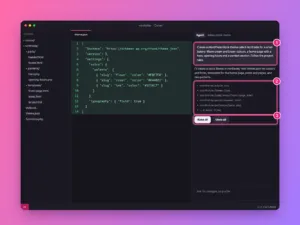
How to build a WordPress site with Cursor
Build a custom WordPress block theme with Cursor’s AI agent: set up WordPress locally, write project rules, generate the theme, refine it and put…
-
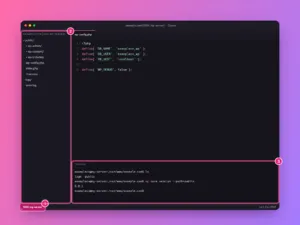
How to connect Cursor to a server over SSH
Edit files on your Linux server or VPS directly in Cursor with Remote-SSH: add the host, connect, open the site folder and use the…
-
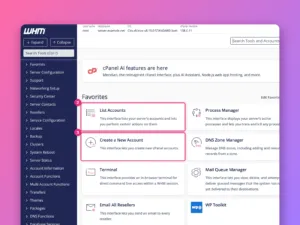
What is WHM and how is it different from cPanel?
WHM is the server administrator’s control panel and cPanel is the customer’s. What each does, who needs which, and how they work together.
-
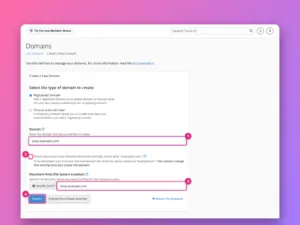
Addon domain vs subdomain vs alias in cPanel
Addon domain, subdomain or alias in cPanel? How each differs in folders, email and SSL, and which one to choose when you add a…
-
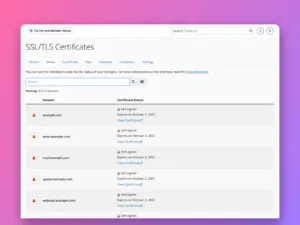
How to install a free SSL certificate in cPanel
Get free certificates for every domain in cPanel with AutoSSL, read the SSL/TLS Status page, fix the reasons a domain is skipped, and force…
-
How to add a domain or subdomain in cPanel
Add another website, a subdomain or an alias to a cPanel account, choose its folder, force HTTPS, and set up redirects, with screenshots of…
-
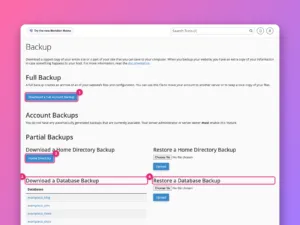
How to back up and restore a website in cPanel
Make a full cPanel backup, download partial backups of files and databases, restore them, and understand what your host’s own backups do and do…
-
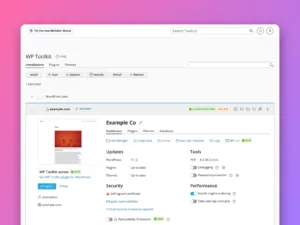
How to install WordPress in cPanel
Install WordPress from cPanel with WP Toolkit or Softaculous, choose the right options, then manage updates, backups and security from one screen.
-
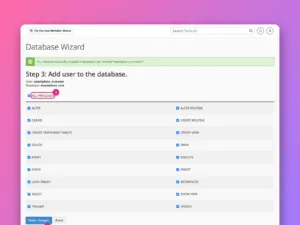
How to create a MySQL database in cPanel
Create a database, a database user and the link between them with cPanel’s Database Wizard, then find the exact values your website’s configuration needs.