Library
All guides
Narrow it down by topic, level, format or the system you are working on.
112 guides
Results
-
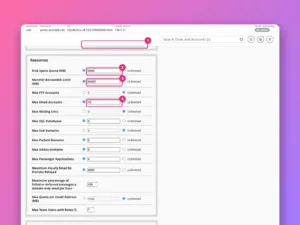
How to create a hosting package in WHM
Define hosting plans in WHM with sensible disk, bandwidth, email and database limits, pick features and the cPanel theme, and move accounts between them.
-
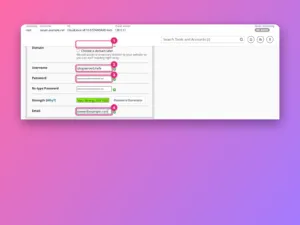
How to create a cPanel account in WHM
Create a hosting account in WHM step by step: domain, username, password, package and settings, what happens when you click Create, and how to…
-
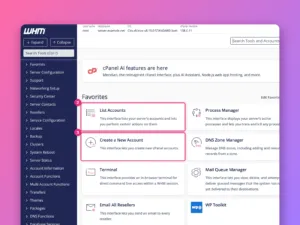
How to use WHM: a tour for new server admins
What WHM is, how it differs from cPanel, where its tools live, and the first things to set up and secure on a new…
-
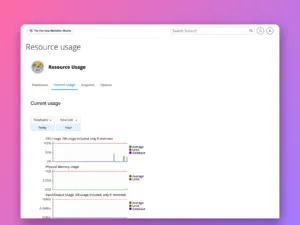
How to check resource usage and errors in cPanel
Find out why a cPanel site is slow or showing 503 and 508 errors: read Resource Usage graphs, spot which limit was hit, and…
-
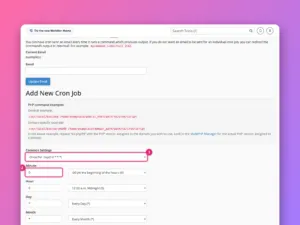
How to set up a cron job in cPanel
Schedule a script in cPanel, write the cron command correctly, stop the email flood, and replace WordPress’s unreliable wp-cron with a real one.
-
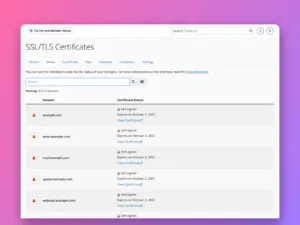
How to install a free SSL certificate in cPanel
Get free certificates for every domain in cPanel with AutoSSL, read the SSL/TLS Status page, fix the reasons a domain is skipped, and force…
-
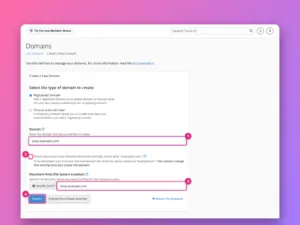
How to add a domain or subdomain in cPanel
Add another website, a subdomain or an alias to a cPanel account, choose its folder, force HTTPS, and set up redirects, with screenshots of…
-
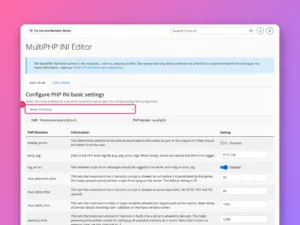
How to change the PHP version and settings in cPanel
Change the PHP version per domain with MultiPHP Manager, and raise limits such as memory_limit and upload_max_filesize with the INI Editor.
-
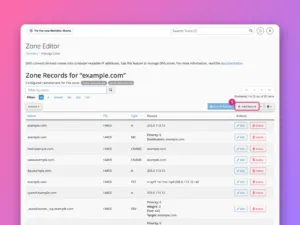
How to edit DNS records in cPanel’s Zone Editor
Add, edit and delete A, CNAME, MX and TXT records in cPanel’s Zone Editor, and first check that cPanel really controls your domain’s DNS.
-
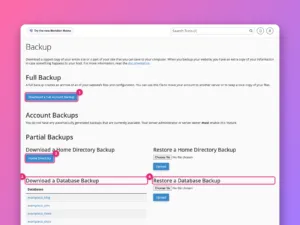
How to back up and restore a website in cPanel
Make a full cPanel backup, download partial backups of files and databases, restore them, and understand what your host’s own backups do and do…
-
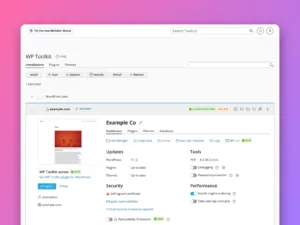
How to install WordPress in cPanel
Install WordPress from cPanel with WP Toolkit or Softaculous, choose the right options, then manage updates, backups and security from one screen.
-
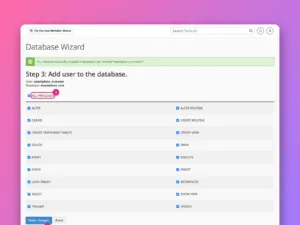
How to create a MySQL database in cPanel
Create a database, a database user and the link between them with cPanel’s Database Wizard, then find the exact values your website’s configuration needs.
-
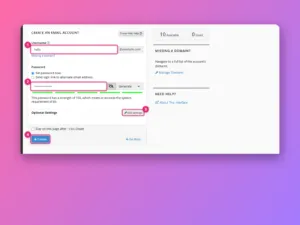
How to create an email account in cPanel
Create a mailbox in cPanel, connect it to your phone and mail app, add forwarders, and check your domain’s email is trusted, with screenshots.
-
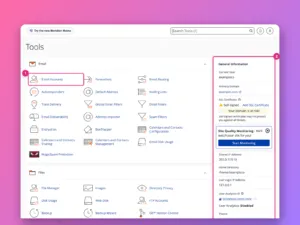
How to use cPanel: a tour of every section
A screenshot tour of cPanel’s home screen: where each tool lives, what the General Information panel tells you, and the ten tools most site…
-

How to transfer a WordPress site with a migration plugin
Move a WordPress site to a new host without the command line: what a migration plugin does, the steps that work, and what to…
-

How to renew a Let’s Encrypt certificate with Certbot
Check that Certbot renews on its own, test renewal safely, force one when needed, reload your web server, and fix the usual reasons renewal…
-

Common network ports and what they are used for
The network ports you will meet most, from 22 for SSH to 3306 for MySQL: what each one is for and whether it should…
-
What is a port number?
If an IP address finds the server, the port finds the right program on it. The common ports, and how to see which ones…
-

RAID levels explained: RAID 0, 1, 5, 6 and 10
How each RAID level spreads data across disks, how many failures it survives, how much space you keep, and why RAID is still not…
-

What is caching? Browser, page and object caches
Caching keeps a ready-made copy of something so it does not have to be built again. The layers that make websites fast, and when…
-

How HTTPS works
What the padlock actually means, what a certificate proves, and what happens in the first fraction of a second of every secure connection.
-

What is a CDN?
A content delivery network keeps copies of your site’s files in data centers around the world, so visitors download them from somewhere close.
-
What is an IP address? IPv4 and IPv6 explained
The number every device on the internet uses to find every other device, the difference between IPv4 and IPv6, and public versus private addresses.
-
What is a reverse proxy?
A reverse proxy stands in front of your servers, takes every request and decides who answers. What it does, when you need one, and…